Write it. Hear it. Remember it.
Quill is a private handwritten notebook for iPad that keeps your writing tied to the moment you wrote it. Record while you write, then tap any stroke to jump back to exactly what was being said.
No account · No analytics · No AI
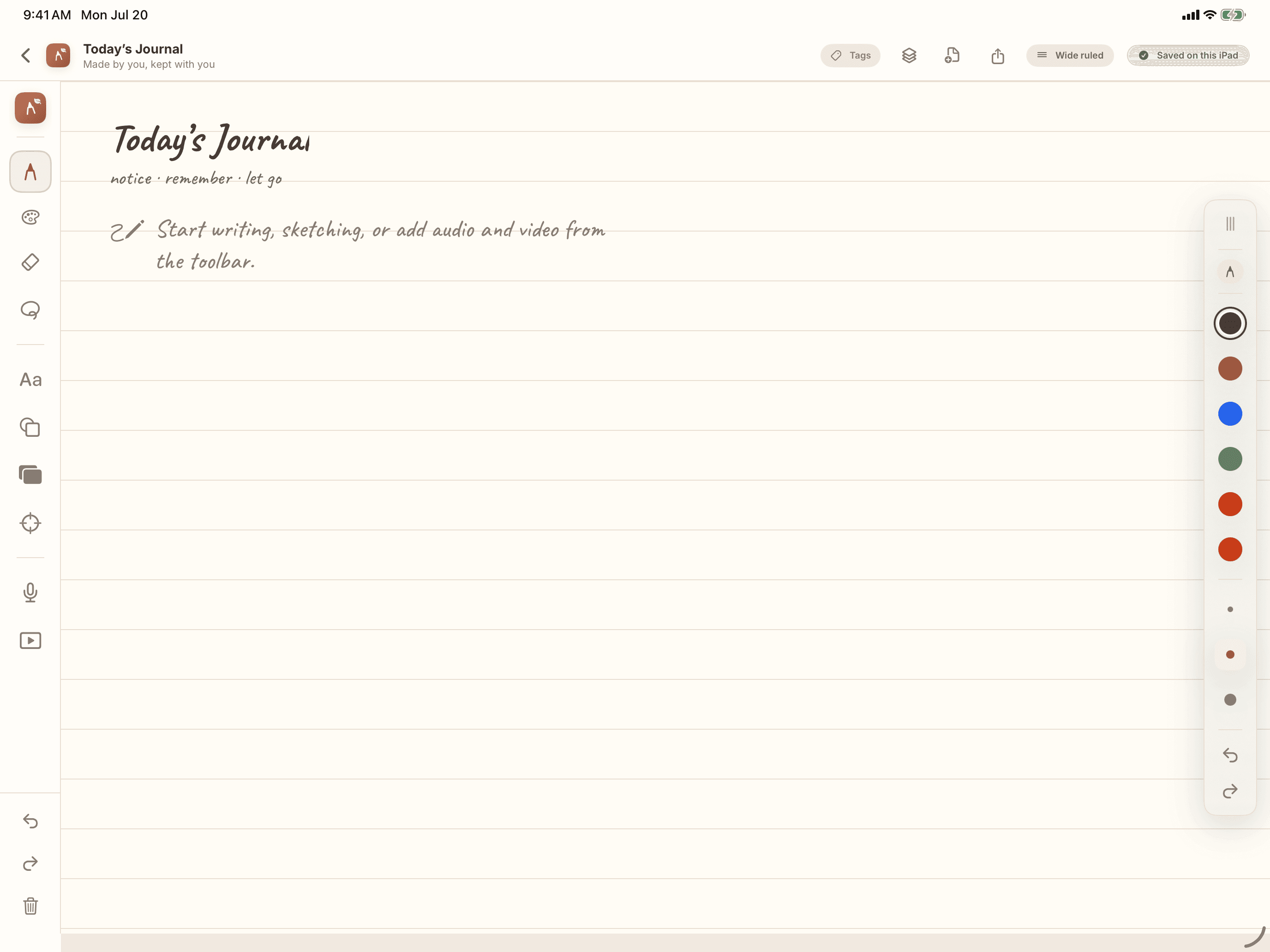
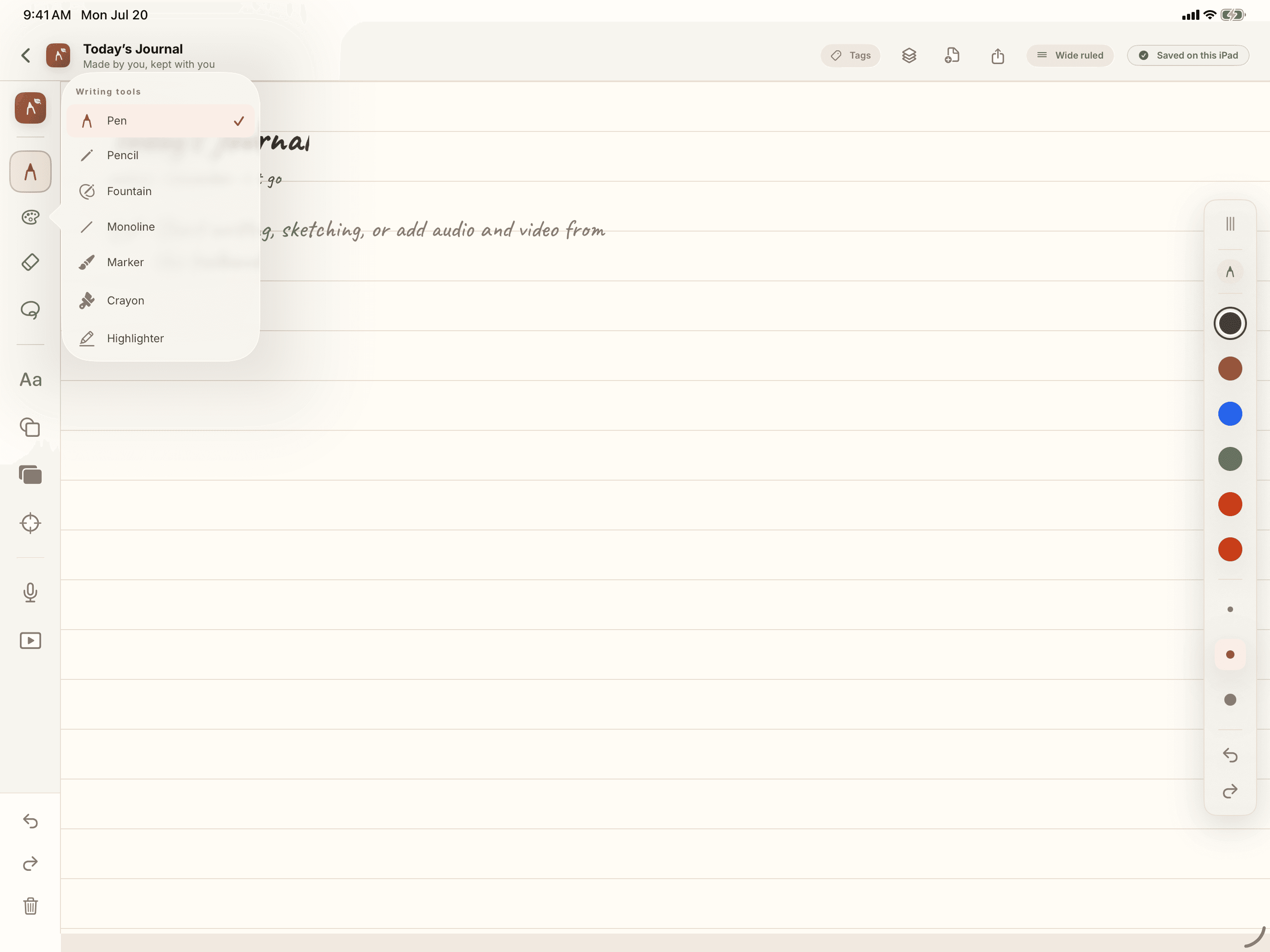
Handwriting that feels like handwriting.
Seven pens to write with, from a plain pen and pencil to a fountain pen, marker, crayon, and highlighter, each with full control over color and width. Rub out a single detail or a whole stroke, circle anything with the lasso to move it, and drop in clean shapes when a hand-drawn box won't do. There are sixteen paper styles, from ruled and Cornell to planner, storyboard, and music staff, plus fourteen ready-made pages to start from.
- Seven pens, full color and width control
- Sixteen paper styles and fourteen page templates
- Add typed text, tape, and clean shapes
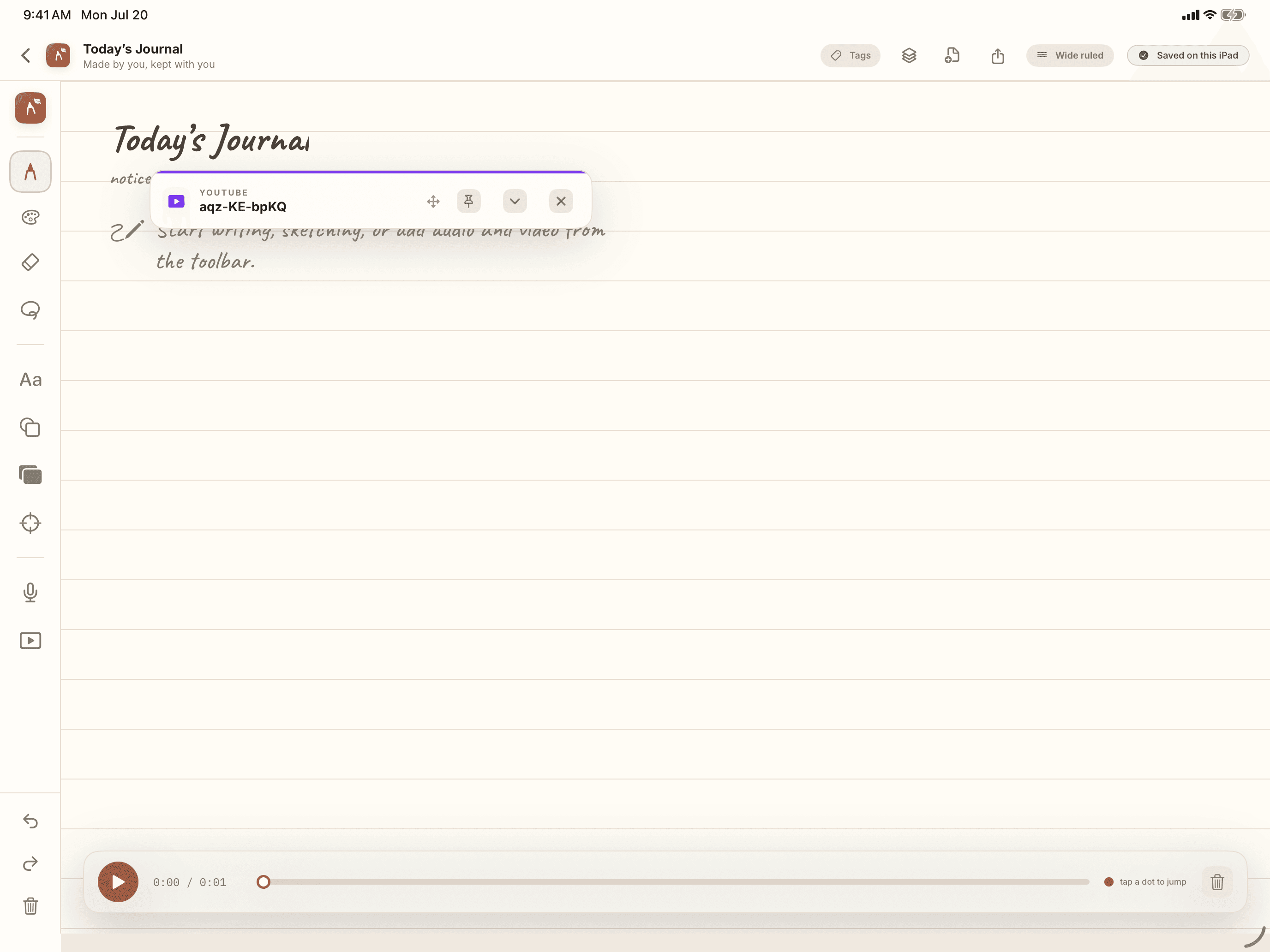
Tap a stroke. Hear the moment.
Record audio while you write and Quill links each stroke to its timestamp. Later, tap any part of your handwriting to jump straight to that moment, scrub the recording, and watch the ink replay in sync. The lecture, meeting, or interview comes right back in context.
- Multiple audio tracks inside one note
- Tap any stroke to seek to that timestamp
- Progressive ink replay as audio plays
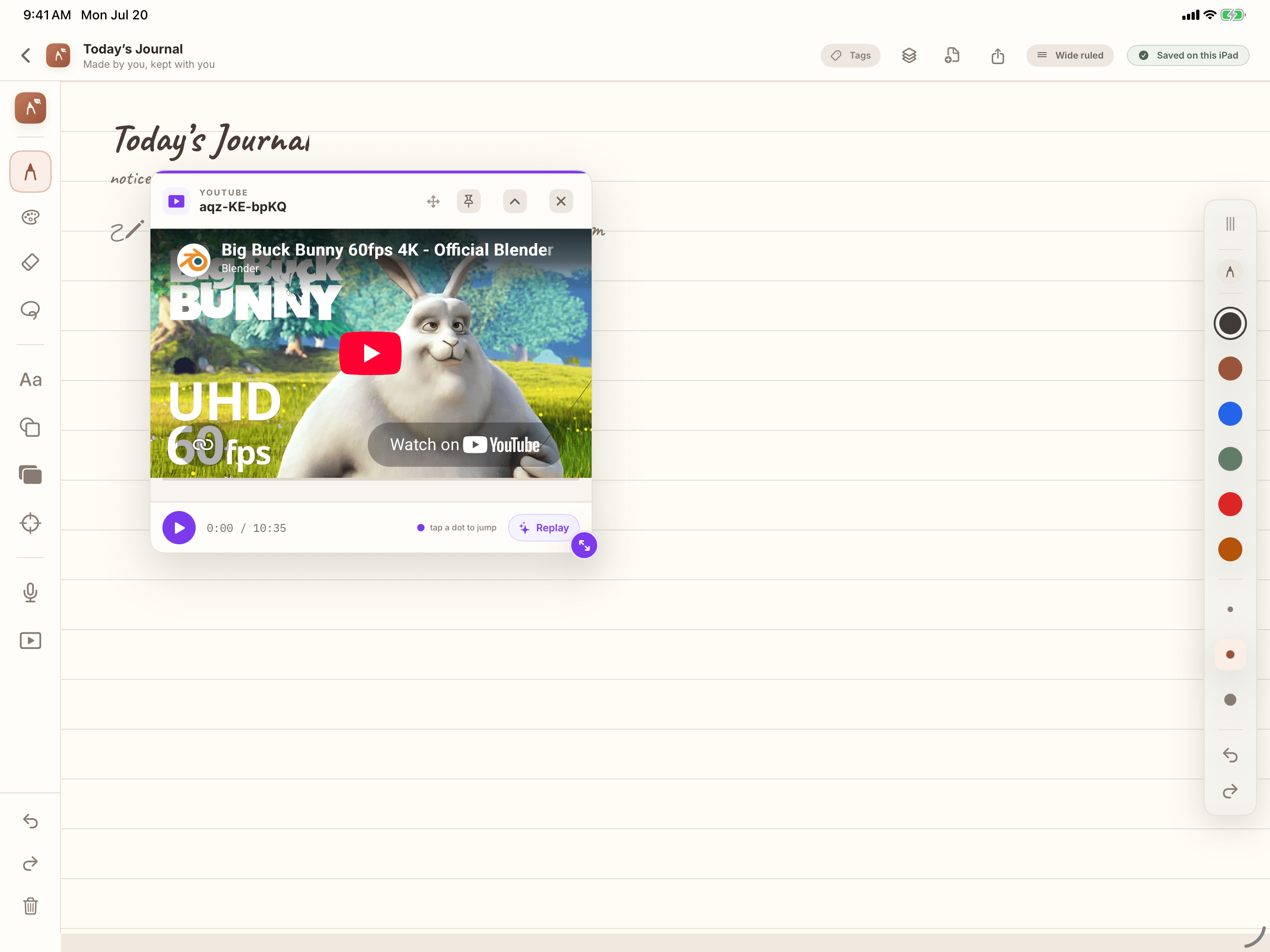
Notes that sit beside the video.
Add a local video or an embedded YouTube reference, then pin and resize it beside your writing. Quill keeps a watch timeline with your note markers on it, so a tutorial or recorded lecture stays anchored to what you wrote while watching it.
- Local video files and YouTube embeds
- Resizable, minimizable, pinnable players
- Watch timelines with note markers
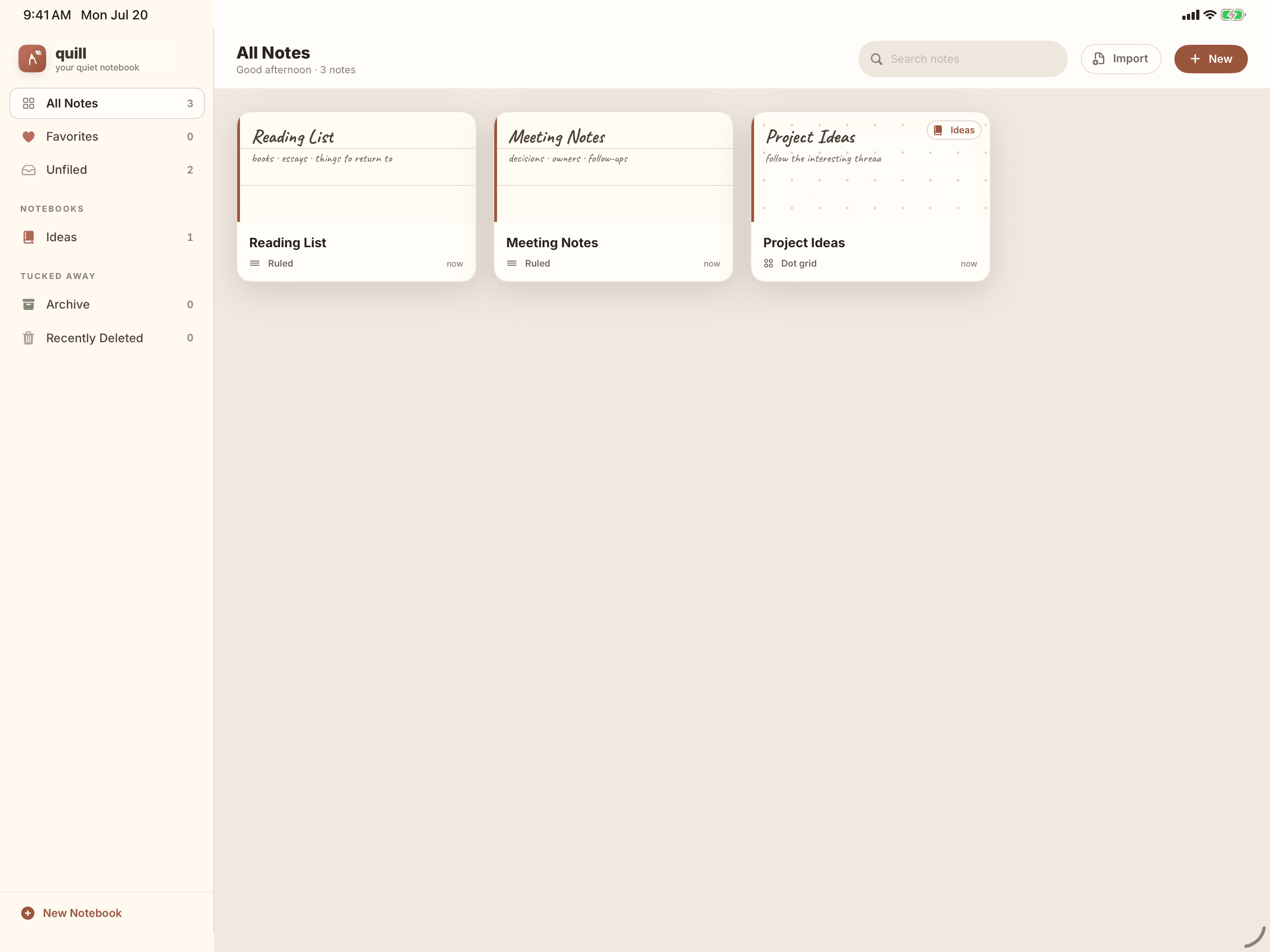
A library that stays out of the way.
Sort your notes into notebooks and nested tags, mark favorites, and pin the ones you reach for most to the top. Anything you delete can be brought back. Drag a note to file it, search across everything at once, and preview a page before you open it. Bring in PDFs and images to write on, and send any note out as a PDF or PNG.
- Notebooks, nested tags, favorites, and archive
- PDF and image import for annotation
- PDF and PNG export, no lock-in
Human notes. No AI.
Quill has no account, no analytics, no advertising, and no AI. Your handwriting, recordings, imported documents, and media timelines stay on your iPad, or in your own iCloud Drive if you turn it on. Quill does not try to think for you. It helps you remember what you heard, saw, and wrote.
One price. Paid once.
Quill is free to download and free to try in full for 30 days. After that, the free tier keeps two notebooks, one linked recording, and one linked video. Everything you have already written stays yours either way.
Every local writing tool, with a 30-day trial of the full app. Afterwards:
- Two notebooks
- One linked recording and one linked video
- PDF and PNG export with a small Quill mark
A one-time purchase, not a subscription. Restores across every device on your Apple ID and is shareable with your Family Sharing group.
- Unlimited notebooks
- Timestamp linking for every recording and video
- On-device transcription of recordings and videos
- Clean, watermark-free PDF and PNG export
- Every future local update, included
No countdowns · No fake scarcity · Nothing renews
Your handwriting, replayed in context.
Quill is coming to the App Store for iPad. Scroll back through what it can do, and email us if you have questions before launch.
iPad · Requires iPadOS 17 or later